

Your coach is there wherever you train.
Two cameras let the coach check your posture and help you refine your form mid-set, and every kilo you move lands in your log. At home, in your own gym, while travelling or from another city.
The session is not recorded. The coach sees only what you allow.
If you cannot be in the same gym, this is a complete session.
Remote training is strongest where the client trains alone anyway, or where the coach cannot get there. Eight situations where Napra fully replaces the in-person session. Click one to see what it takes.
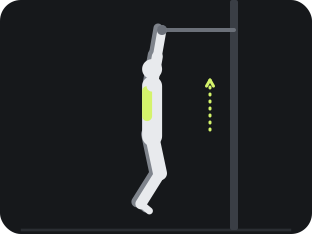
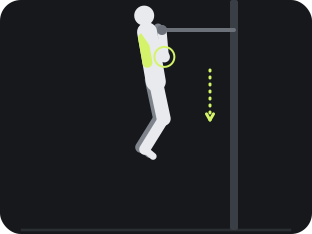
With home equipment
- Dumbbells, bands, a pull-up bar or TRX
- Two devices on one Napra account
- 2×2 m free space, good light, wifi
Laptop beside the mat 2–3 metres away, phone from the side at waist height.
The coach builds the session from your location’s equipment, so you only get exercises you can do. Everything lands in your log at the end.
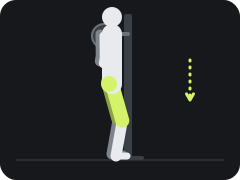
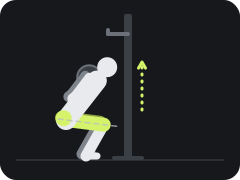
A small home gym
- Rack with safeties, bar and plates, bench
- Two devices on stands
- Room around the bar, good light, wifi
In front of the rack from the front, and at bar height from the side, so the bar path and spine line are both visible.
On the frozen frame the coach draws the bar path or torso line and speaks up mid-set. This is the strongest case.
Company or building gym
- The gym’s machines and dumbbells
- Phone on a stand, laptop or tablet
- A quiet time if others train too
Phone on a stand beside the machine, laptop or tablet in front.
Napra gives the exercise by machine type, the coach talks you through in the call, and the weights go to your log. No coach needed in the gym.
Travel, hotel, abroad
- A hotel gym or bodyweight exercises
- Phone and laptop or tablet
- Wifi, 2×2 m of space
Phone propped on a book or the counter, laptop on the bed or desk.
A short 30–40 minute session from what the place has. Your weekly rhythm continues and so does the log.
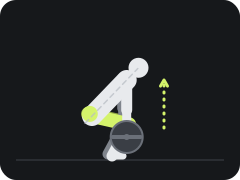
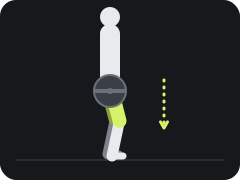
Client far from the city
- What you have: home or the local gym
- Two devices on one account
- Good light, stable wifi
From the front and the side, next to your equipment.
No travelling to your coach. There is no “first session in person” rule: the first session can be remote too.
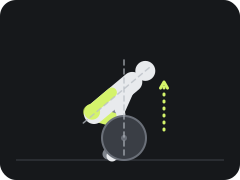
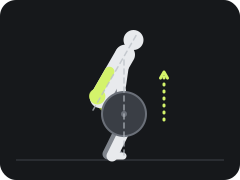
The coach is away, the gym is yours
- Own or rented gym, full equipment
- Two fixed stands for the cameras
- Enough room around the bar
Two fixed stands in the gym, front and side, so you do not adjust before every set.
Twice a week remote instead of once in person. Both sessions are precise, because the coach sees from two angles.
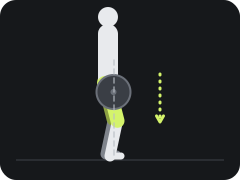
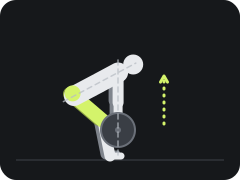
The days between in-person sessions
- What is in the plan
- A phone is enough if we only check technique
- A few minutes
One camera from the side is enough when we review a single exercise.
A short check on one key lift. On the other days, homework and the log carry the work.
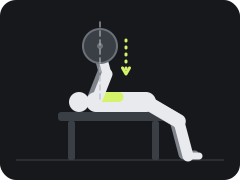
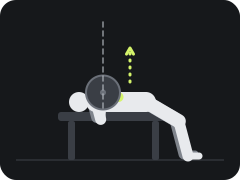
Competition and season
- Competition lifts, full equipment
- Two cameras for heavy sets
- Regular weekly sessions
Two cameras on every heavy set: symmetry from the front, bar path from the side.
Preparation planned weeks ahead. The coach sees every workout in the log, and the call time goes to technique and peaks.
Two devices (a laptop or tablet and a phone), 2×2 metres of free space, good light and stable wifi. In a crowded public gym the camera and sound are hard, so a quiet hour or your own gym is best. The camera setup helper shows where to place the devices before the call.
Two cameras, so a mistake does not settle into the movement.
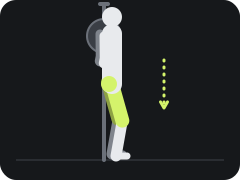
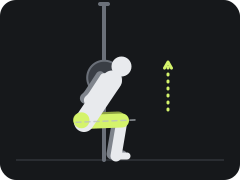
From one camera a coach misses a lot: knees caving in shows from the front, the back arch is judged from the side. Napra links two devices and the coach sees both at once. Drag the slider and see what happens at the bottom of the set.
- It speaks up mid-set. You do not find out a week later that it was wrong. The fix arrives at once, before it sets in.
- Freeze and draw. The coach pauses the picture and draws a line on the mistake, and you see it too. Then it disappears, we do not save it.
- Setup helper. Before the call you see yourself on the other device and it shows where to stand so your whole body is in frame.
- One account, two devices. You sign in to the same Napra account on the laptop and the phone. No code, no extra app.
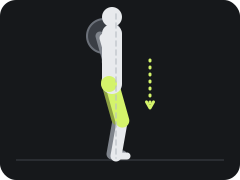
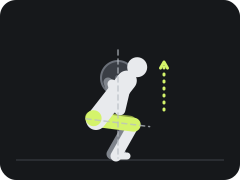
The red line is the current torso lean, the green dashed one is what the coach asks for.
Frozen estimate Napra estimates the numbers from the camera image. An estimate, reliable from the side view. Usable in the browser during the call: on a computer, tablet or phone.
A skeleton line on the image: depth, angle, torso lean.
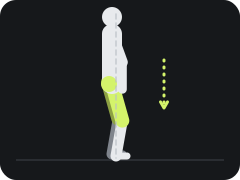
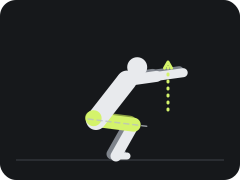
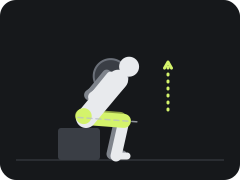
Napra finds joint points on the camera image and draws a line through them. The coach freezes the moment and you look together at how deep the squat went and where the torso leans. Drag the slider and watch the estimates change.
- Squat depth. Hip relative to the parallel line: above, on, or below.
- Torso lean, elbow, shoulder. On deadlifts the coach sees the back lean forward late in the set, plus other joint angles.
- Knees caving in. From the front, seen through the other camera.
- Freeze frame, finer measuring. On the frozen image the coach can drag the points onto the joint. Most reliable with the side camera.
- Saved as a number. The value is stored with the exercise, so next time you see the improvement. The image is not kept, only the number.
Napra handles it all, no need for three separate apps.
One place instead of a video call app, a spreadsheet, a messenger and a training log. Click through the four steps.
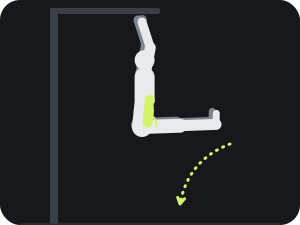
“Chest up, knees out.”
Napra’s voice counts and calls the rest, so you hear it from beside the bar.
An advantage every day, not only on session days.
The in-person session is one or two hours a week. Progress is decided on the other days, and there the log is the coach’s eye. Pick an exercise and see what the coach sees.
- Session sets are logged automatically. Weight, reps, rest, no typing afterwards.
- The coach sees the days in between. A skipped workout, a lighter weight, a deviation from the plan, before the next session comes.
- Progress per exercise. The trend shows when to add weight and when to back off.
- The next session starts from the log. The coach does not guess, they build the plan from real data.
You get a notification and know what to do.
A reminder before the session, homework on the Today card afterwards. No searching for emails or opening a spreadsheet. Tick off the homework on the phone.
You decide what your coach sees.
The coach sees what you switch on, and you can take it back any time. Three quick presets, switches per row, and you always see what they see.
One place for your clients, not three apps.
From your profile through booking and the session to the log, everything is in Napra. Your client sees the same session you do.
Photo, introduction, specialty, free slots. Clients book here.
1166 exercises with drawings, 28 ready plans. You fit the plan to the client’s equipment.
You step through the plan, draw on the frozen frame, send an exercise in the call, dictate a note.
You see the client’s days in between, whatever they share, and build the next plan from real data.
Video call inside Napra, no recording.
We handle the payments for you
Clients pay inside Napra, and the fee for extra sessions and video sessions goes directly to you. You do not need to open a payment account or chase payments.
You book and pay inside Napra. No need to arrange a transfer with the professional.
You focus on your work. Napra takes care of the payment.
Hand-picked professionals
We work only with professionals who have already proven themselves in their field and who pay close attention to their clients. If you would like to become part of our team, send your motivation letter and your introduction.
What coaches and clients ask
What do I need to prepare?
Two devices on one account, a laptop or tablet and a phone, 2×2 metres of space and stable wifi. The camera setup helper walks you through before the call.
Does it work in a gym?
It does, but in a crowded gym sound and camera are hard. A quiet hour, a small or own gym, or a hotel gym is best.
Is the video recorded?
No. The session is live with no recording, and Napra only measures the join and leave times.
What happens to the weights?
The sets go into the client’s training log at the end of the session. The coach also sees the days in between if the client allows it.
How do I start as a coach?
You open a coach account, fill in your profile, set your free slots, and clients can book.
Is it the same app?
Yes. Client and coach sign in to the same Napra account, and the professional reaches their connections under Profile → Consultation with a professional.

Start from a distance.
You arrive at the same session from both sides: two cameras, a shared timer, logged weights.